Make smarter loot decisions with real-time item analysis, interactive maps, and progress tracking
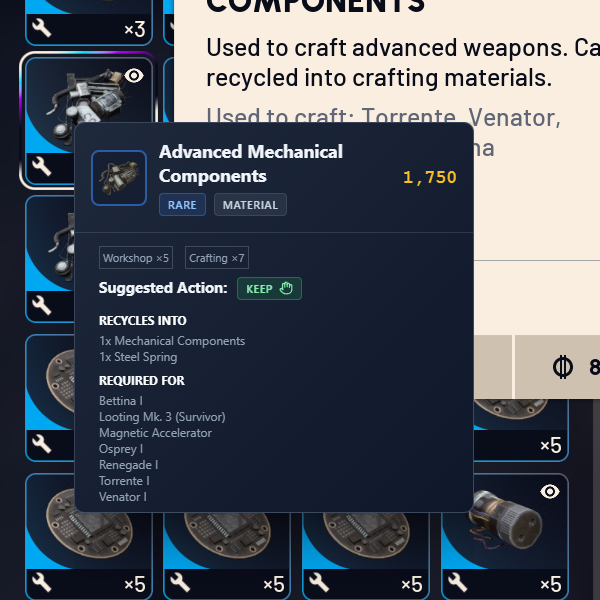
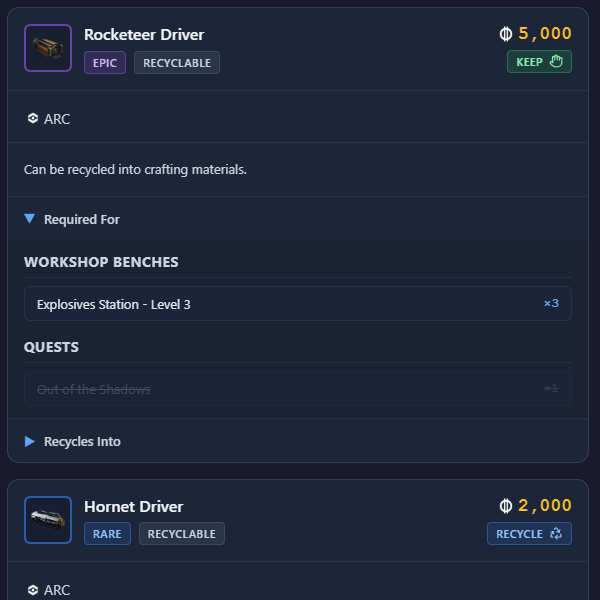
Press your custom keyboard shortcut (default: Ctrl+Shift+F) while hovering over any item in-game to instantly see detailed information, including value, recipes, and whether you need it.
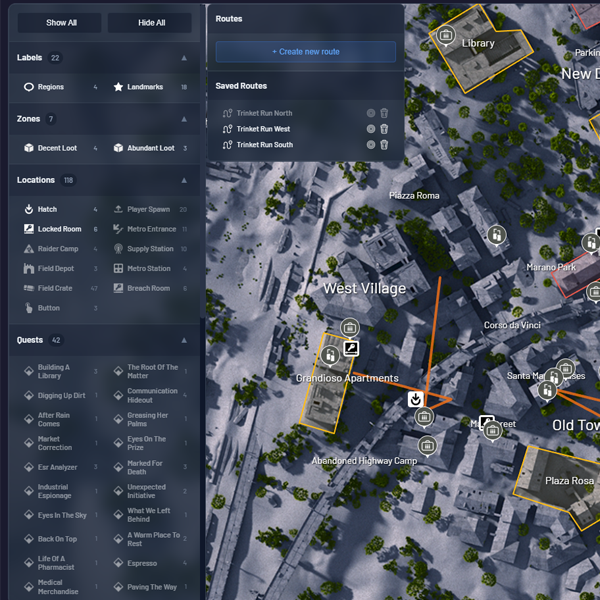
Explore the world of Arc Raiders with our interactive map featuring detailed zone overlays. Locate items, mark important locations, and plan your raids with precision. The map includes all zones, POIs, and item spawn locations to help you navigate efficiently.
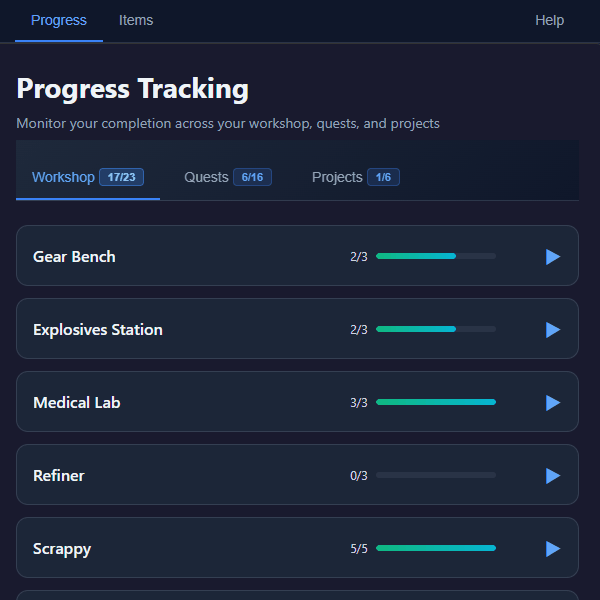
Monitor your progress across all workbenches and their levels. Check off completed upgrades and see exactly what materials you still need for your crafting goals.
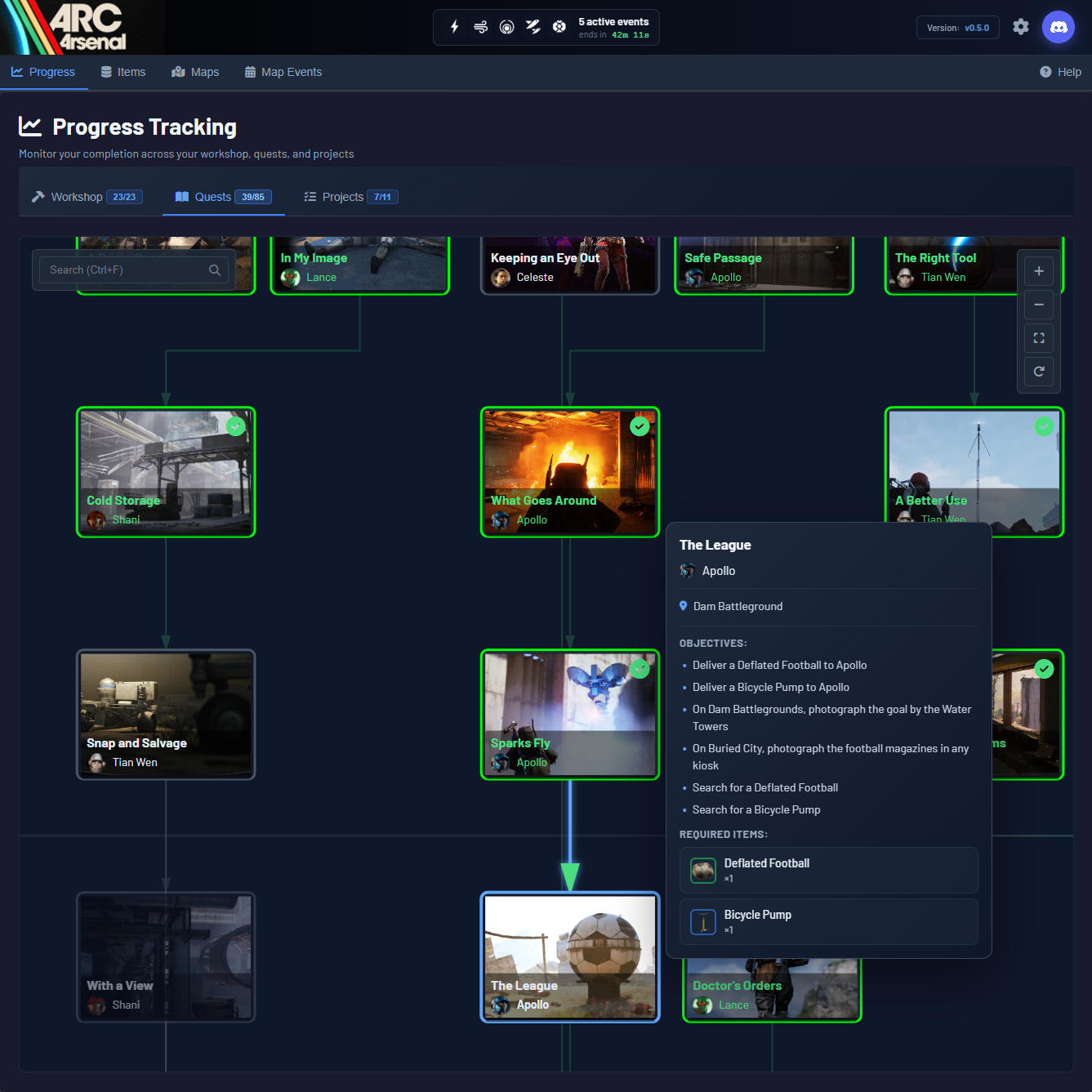
Keep track of quest requirements and mark quests as completed. Never waste time farming items for quests you've already finished.
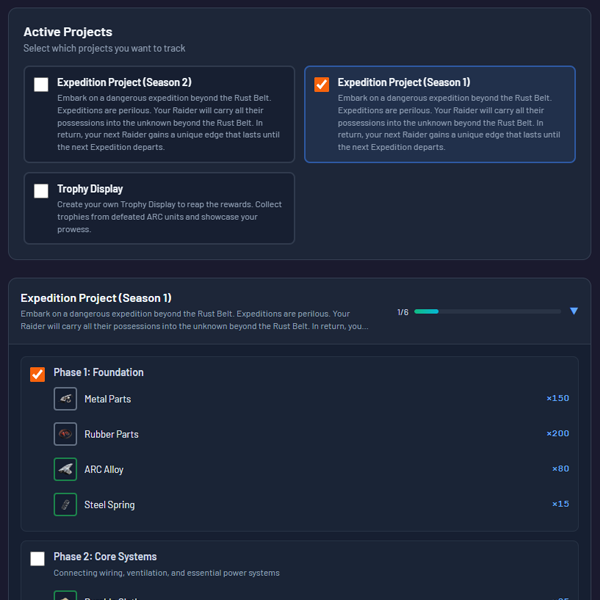
Keep track of project requirements and mark phases as completed. Choose which projects you want to track and have the quick item check feature use this info to indicate whether an item is to be kept.
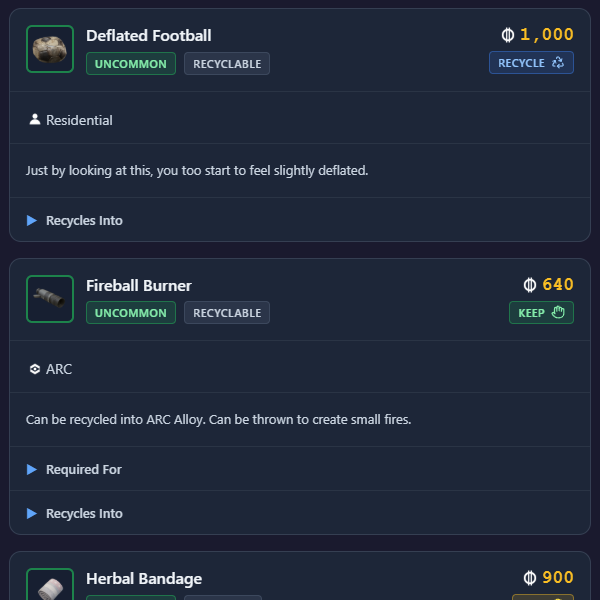
Search and explore all items in Arc Raiders. View crafting recipes, recycling outputs, zone locations on our interactive map, and what each item is required for. Use map overlays to visualize where items spawn across different zones.
Instantly know whether to KEEP, SELL, or RECYCLE items based on your workshop and quest progress. Optimize your inventory for maximum efficiency.
️ Professional desktop application with a modern, game-friendly dark theme
Yes, Arc Arsenal is completely free with no ads or premium features, ever
Yes, we regularly update our database and maps to match the current game version.
Absolutely not. Arc Arsenal does not interact with the game's files or memory in any way. The quick item lookup feature uses screen reading technology for the item popups, and the item/quest/project/map data come from Arc Arsenal's own database.
Arc Arsenal is currently available for Windows 10 and Windows 11 (64-bit). Support for other platforms may be added in the future.
Simply hover your mouse over any item in-game and press your configured keyboard shortcut (default: Ctrl+Shift+F). The item information will appear instantly in Arc Arsenal.
Yes! Arc Arsenal features a fully interactive map with zone overlays, item locations, and POI markers. You can explore all zones and plan your raids efficiently.
Absolutely. Our map overlay system shows where specific items can be found across all zones, making it easy to farm the materials you need.
Yes, you can toggle different overlay layers to show or hide specific information like zone boundaries, item locations, and quest markers.
Choose your preferred installation method. Both versions include all features and auto-update capabilities.
Windows 10/11 • 64-bit • Requires internet for auto-updates